13 Drift Events a Day: See How Much Drift Is Already Happening in Your Environment
Get the report

In 2025, organizations spent billions on security, deploying EDR/XDR, SASE, firewalls, identity platforms, email security, web security, and more. And yet, breaches persist. The reason often is not a zero-day, an advanced persistent threat, or a cutting-edge exploit. It is far more mundane. Misconfigurations across identity, endpoint, network, and email/web security controls remain among the top root causes of incidents. One recent analysis from Security Magazine found that misconfigurations drive 80% of security exposures. Another 2025 industry report from SonicWall found that misconfiguration-related issues fueled more than 9.5 million cyberattacks in just the first half of 2025. And recent research done by Reach revealed that 97% of security practitioners were a victim of a breach (or a near miss) in the past year due to a cybersecurity tool misconfiguration.
That’s the problem with misconfigured security controls. Organizations may have the right security tools in place, but the protections those tools are supposed to provide are often disabled, under-scoped, under-utilized, or left too permissive. The result is systemic exposure hiding in plain sight.
In the whitepaper "Ten Hidden Cybersecurity Misconfigurations", we showcase ten critical cybersecurity misconfigurations we expect to see in 2026, and how you can identify and fix them before attackers can exploit them.
Here’s a preview of 3 of those 10.
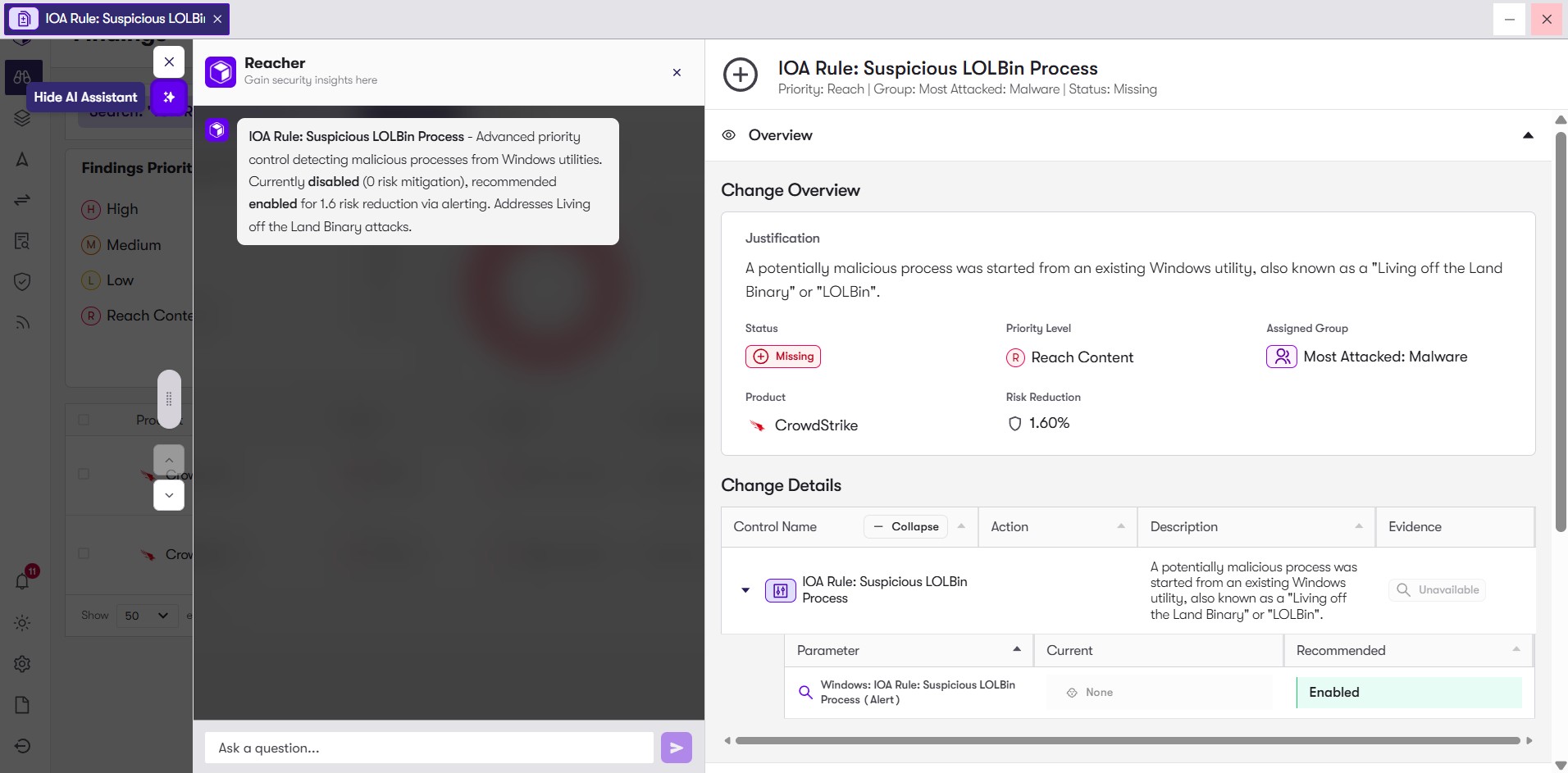
Modern EDR/XDR platforms allow custom rule creation: behavioral detections, indicator-of-attack (IOA) rules (in Crowdstrike), storyline active response (STAR) rules (in SentinelOne), custom YARA signatures, environment-specific alerting, and tailored policies.
Attackers understand default detection rules. They often develop tactics specifically designed to avoid them. Without custom detection rules, you may miss stealthy or targeted attacks. Configuring custom rules on your endpoint security provides better visibility into an attacker's intent and behavior and gives insight into threat patterns that provide added context outside of regular IOC's.
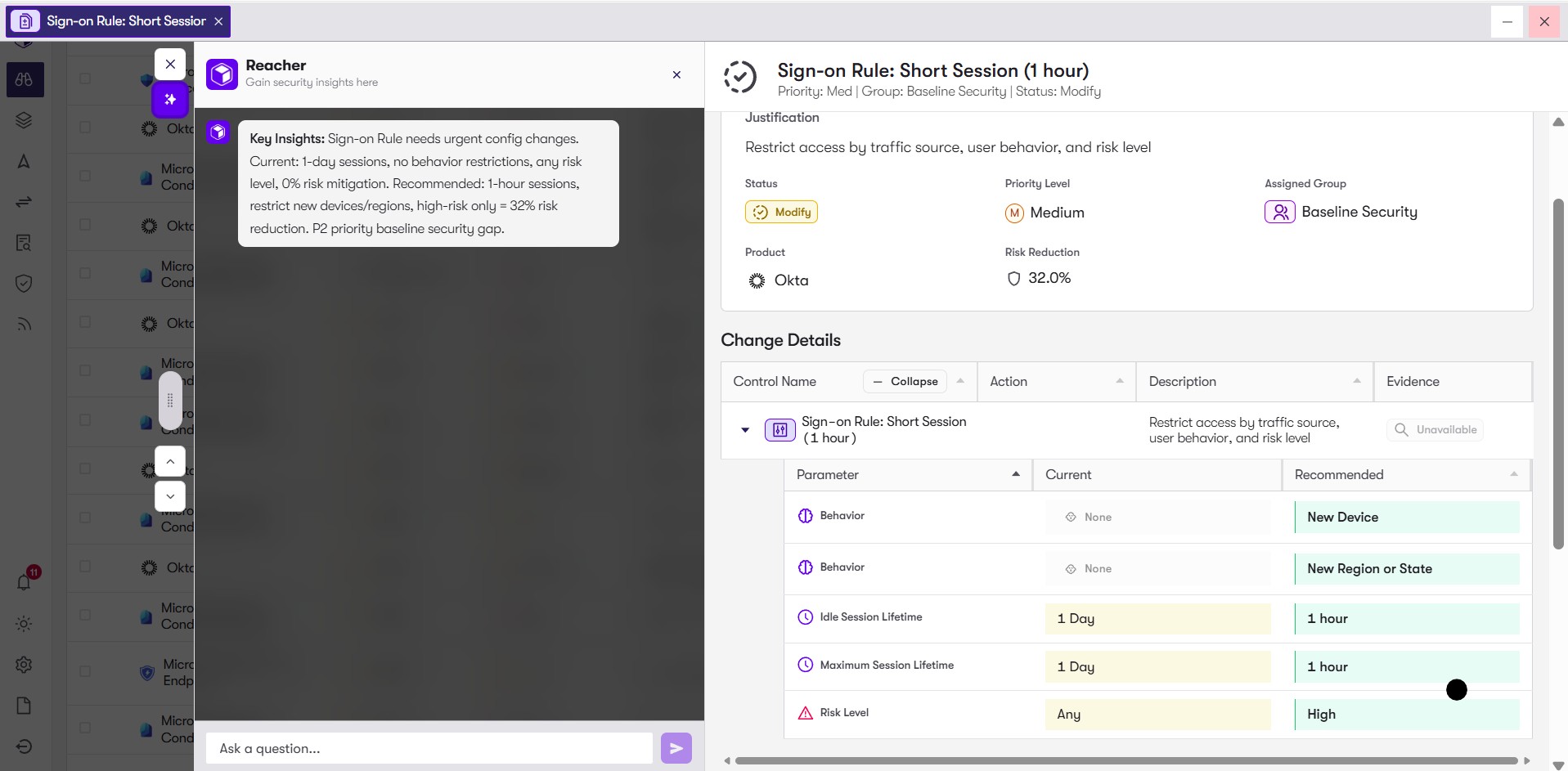
IAM platforms (e.g., Okta, Microsoft Entra ID, other identity providers) allow configuring session lifetimes, maximum session durations, and re-authentication requirements, especially around high-risk operations (privileged access, configuration changes, sensitive apps).
If a session token is stolen – via cookie theft, session hijacking, or other means – an attacker can maintain access indefinitely, bypassing periodic re-authentication. Long-lived sessions extend dwell time and amplify risk.
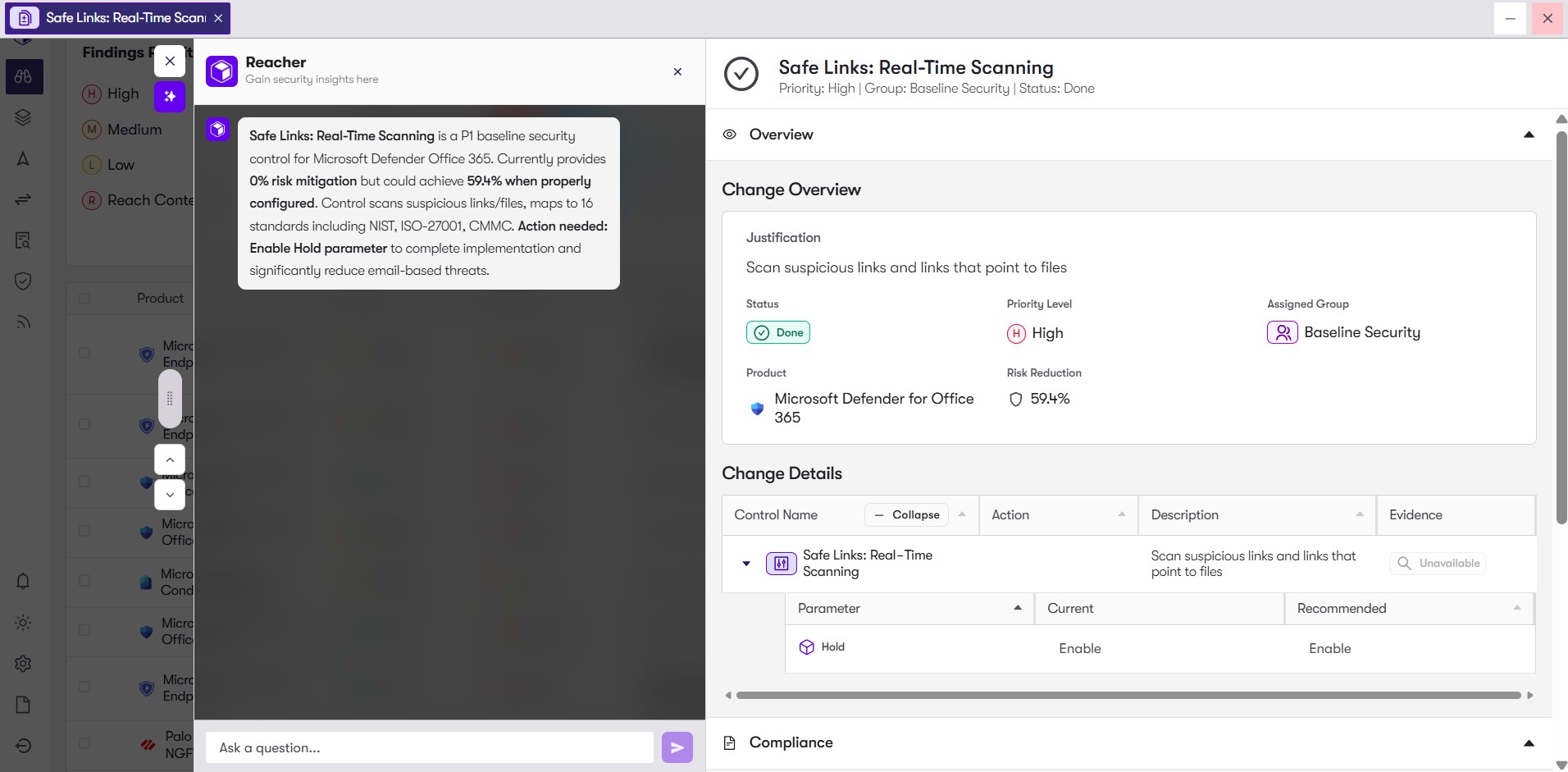
Email security gateways or suites (for example, Microsoft Defender for Office 365) provide “Safe Links,” URL rewriting, sandboxing, or click-time scanning which rewrites each link when the user clicks, then checks the destination against threat intelligence or sandbox verdicts.
Phishing campaigns often deliver malicious links. Without runtime URL scanning, users can click seemingly harmless links that lead to credential phishing, malware downloads, or C2 infrastructure.
Security tools are only as strong as their controls allow them to be. Every default left unchallenged, every policy left generous, every gateway that quietly permits unsafe traffic, and every endpoint with soft protections adds up to systemic exposure. Configuration hygiene is not a set-and-forget exercise. As tools evolve, staff change, workloads shift, and business priorities evolve, security settings must evolve too.
The reality is that deploying more tools does not necessarily make organizations safer. Configuring them correctly, and maintaining and continuously validating that control configuration, does.
For the full list of 10 misconfigurations to watch in 2026, read the complete guide here: https://www.reach.security/10-misconfigurations-guide.
Unlock the full power of your security stack with a free tool rationalization assessment.
Request a Demo

Read-only API key for a security tool of your choice

Create your account and setup the integration

Get results across licensing, control mapping, risk exposure, and posture

.png)


