Integrations

Harden Your Microsoft SharePoint Controls

Reach analyzes your Microsoft SharePoint deployment to identify misconfigurations, risky sharing settings, and configuration drift across tenant and site-level controls. Reach prioritizes fixes and validates that SharePoint access, sharing, and data protection settings remain aligned with security policy.

Microsoft SharePoint

The Challenge

Microsoft SharePoint helps organizations store, organize, share, and collaborate on business-critical files, sites, and knowledge across Microsoft 365.

#AAA8A0

#201F1C

32

Inter

center

But SharePoint is also a major data exposure surface when tenant sharing policies, guest access, unmanaged device controls, authentication settings, or site permissions drift from security baselines.

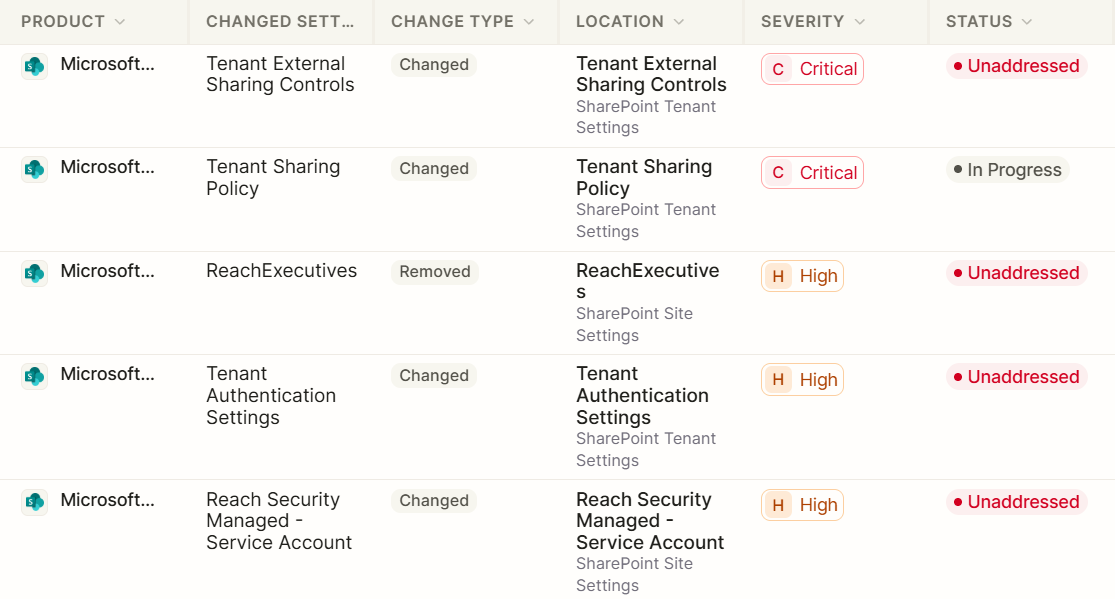
Reach continuously analyzes SharePoint controls to detect what changed, where it happened, and how to remediate risky configurations before sensitive content is exposed.

Control External Sharing and Resharing
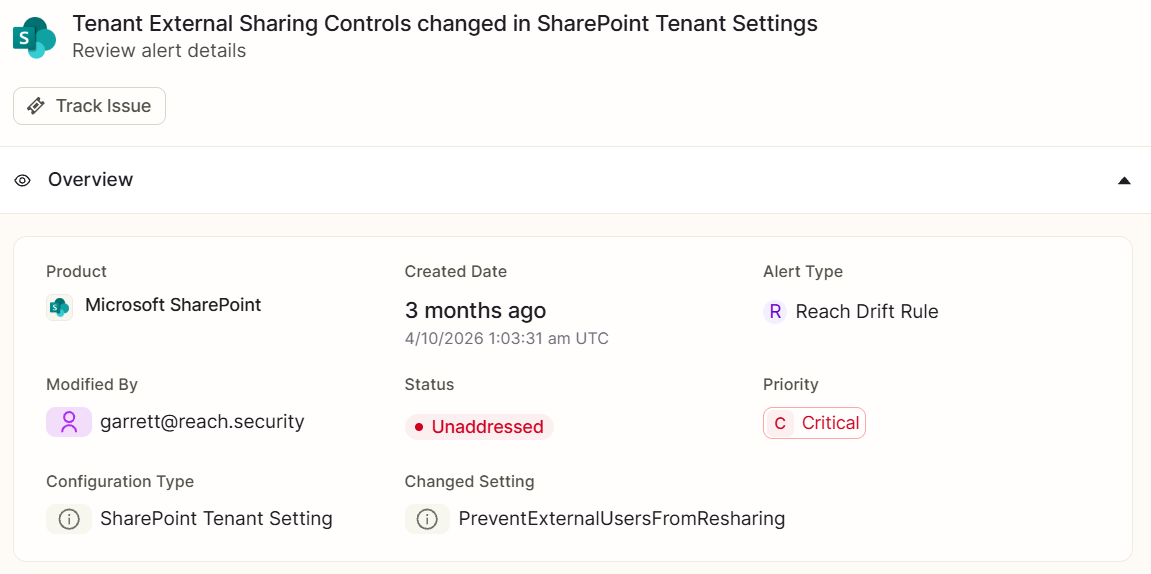
Reach analyzes SharePoint tenant sharing settings such as [SharingCapability] and [PreventExternalUsersFromResharing] to identify expanded external sharing or resharing permissions. This helps prevent external users and guests from distributing sensitive content beyond intended audiences.
Block Downloads from Unmanaged Devices and Guests
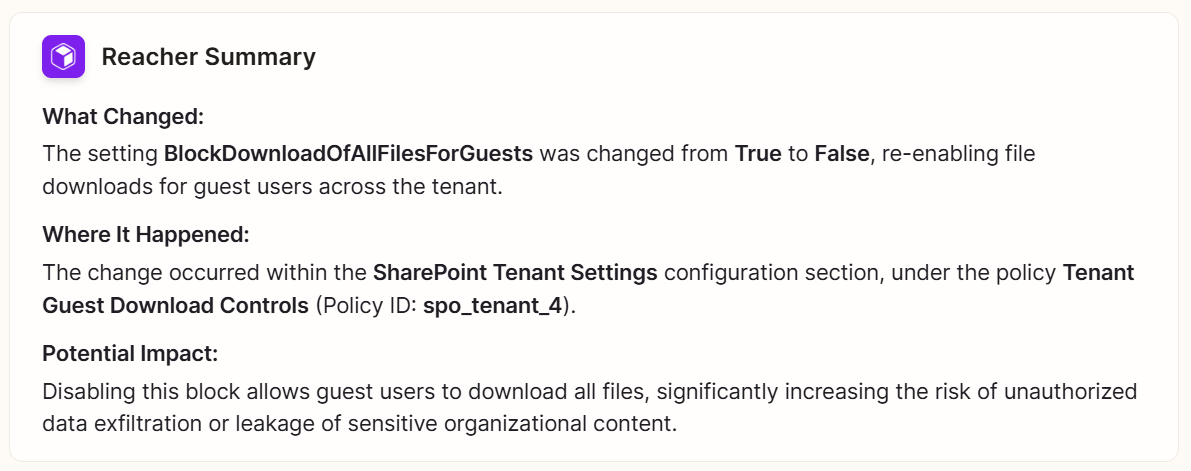
Reach detects drift in controls such as [BlockDownloadOfAllFilesOnUnmanagedDevices] and [BlockDownloadOfAllFilesForGuests]. By restoring these restrictions, Reach helps prevent sensitive files from being downloaded to unmanaged devices or external guest environments.
Close Legacy Authentication and App Bypass Paths
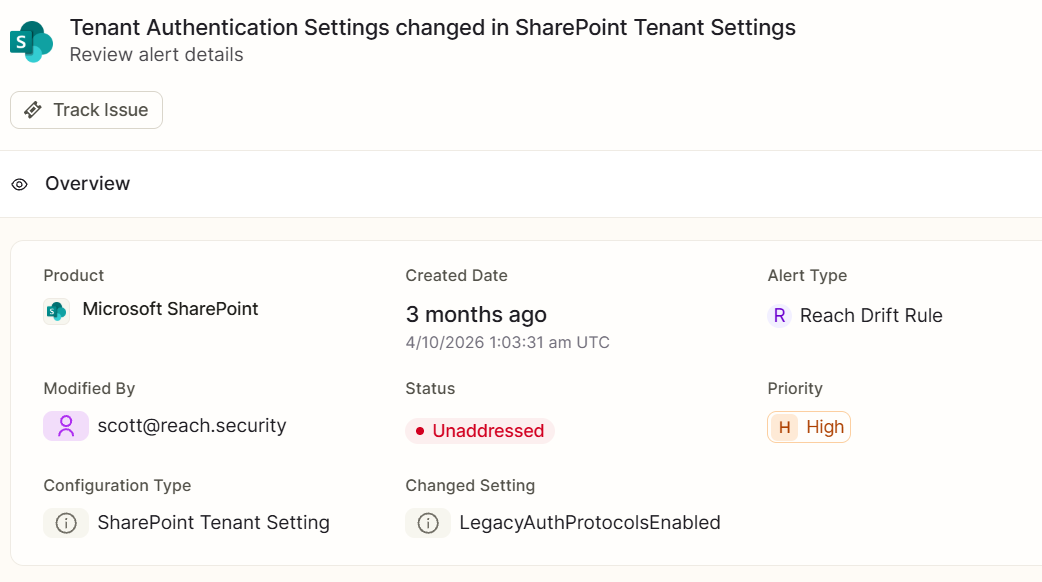
Reach identifies risky changes such as [LegacyAuthProtocolsEnabled] being turned on or [AllowAppsBypassOfUnmanagedDevicePolicy] being enabled. These misconfigurations can bypass MFA, conditional access, and device-based controls, increasing exposure to credential attacks and unmanaged app access.
Protect Sensitive Sites with Restricted Access Controls
Reach analyzes site-level settings such as [RestrictedAccessControl], restricted access groups, and [DefaultSharingLinkType] to identify weakened controls on sensitive SharePoint sites. This helps preserve intended access boundaries for executive, security, and company-wide content.

Other integrations

View All

decorativedecorative

Getting Started with Reach

Unlock the full power of your security stack with a free tool rationalization assessment.

Request a Demo

An API key to start

Read-only API key for a security tool of your choice

Setup in 3 minutes

Create your account and setup the integration

Results in < 5 days

Get results across licensing, control mapping, risk exposure, and posture

Think your firewall is secure? Find the 10 weaknesses attackers look for

Get the free checklist

decorativedecorative